Standard parts · mechanical
Aluminum extrusion (T-slot profile)
T-slot profile aluminum extrusion: 8 sizes. Dimensions: width, height, slot. Use parts in kernelCAD Studio or MCP.
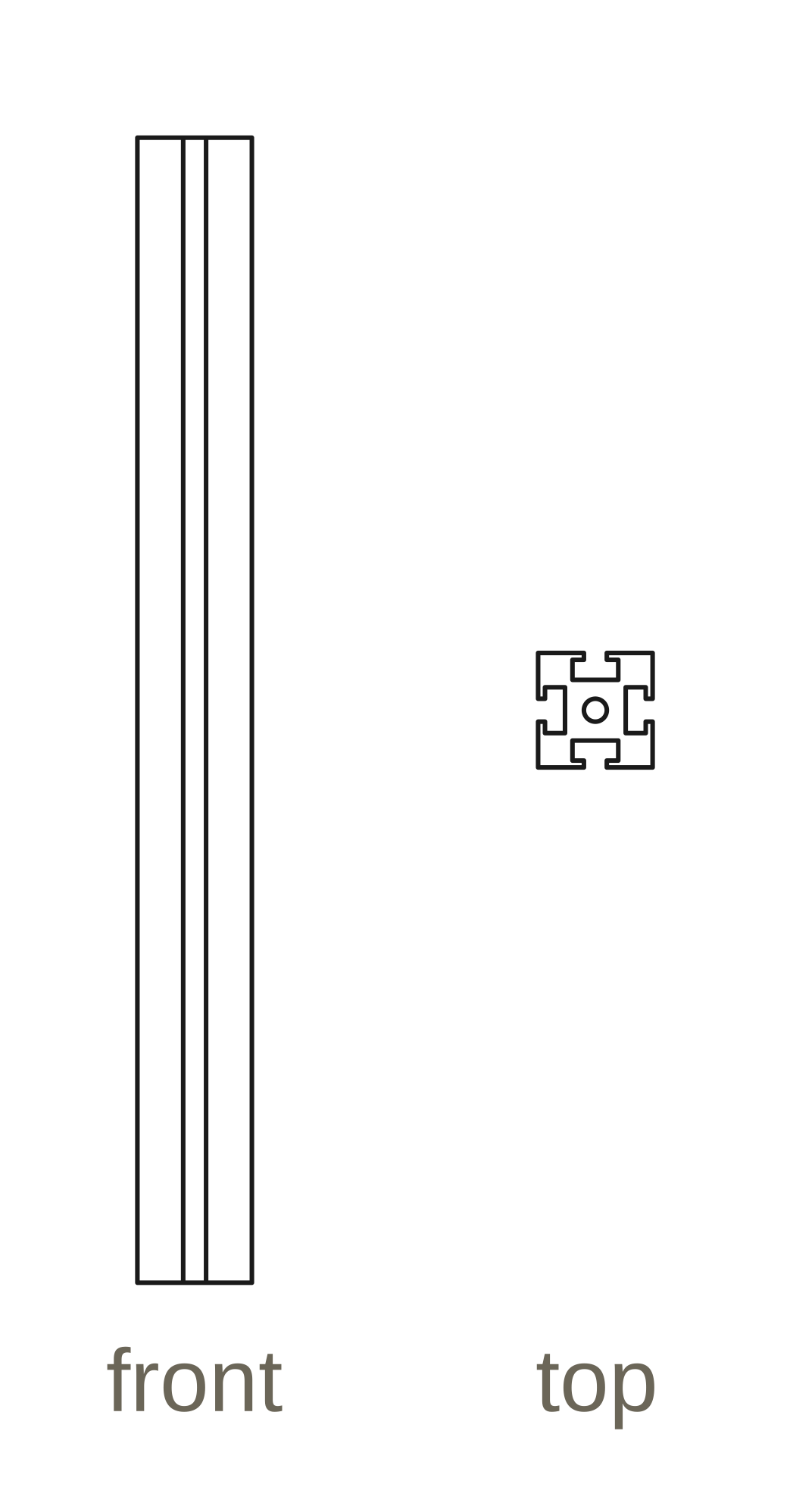
Select a size
Tap a size to see exact dimensions and a STEP download where available. Swipe horizontally to see all columns.
| Part | Size | Width (mm) | Height (mm) | Slot (mm) | Slot inner (mm) | Slot depth (mm) | Bore (mm) | Length (mm) |
|---|---|---|---|---|---|---|---|---|
| 2020 × 400 mm aluminum-extrusion | 2020 | 20 | 20 | 6 | 10 | 6 | 5 | 400 |
| 2040 × 400 mm aluminum-extrusion | 2040 | 20 | 40 | 6 | 10 | 6 | 5 | 400 |
| 2060 × 400 mm aluminum-extrusion | 2060 | 20 | 60 | 6 | 10 | 6 | 5 | 400 |
| 3030 × 400 mm aluminum-extrusion | 3030 | 30 | 30 | 8 | 12 | 8 | 6.8 | 400 |
| 4040 × 400 mm aluminum-extrusion | 4040 | 40 | 40 | 8 | 12 | 8 | 8 | 400 |
| 4080 × 400 mm aluminum-extrusion | 4080 | 40 | 80 | 8 | 12 | 8 | 8 | 400 |
| v-slot-2020 × 400 mm aluminum-extrusion | v-slot-2020 | 20 | 20 | 6 | 10 | 6 | 5 | 400 |
| v-slot-2040 × 400 mm aluminum-extrusion | v-slot-2040 | 20 | 40 | 6 | 10 | 6 | 5 | 400 |
Use a size in a model
Every size is a catalog part with a STEP solid and mate connectors. Use a code-CAD script, or ask an agent through the MCP fetch_part tool, by its part ID:
const part = await lib.fetchPart('element-aluminum-extrusion-2020-l400');